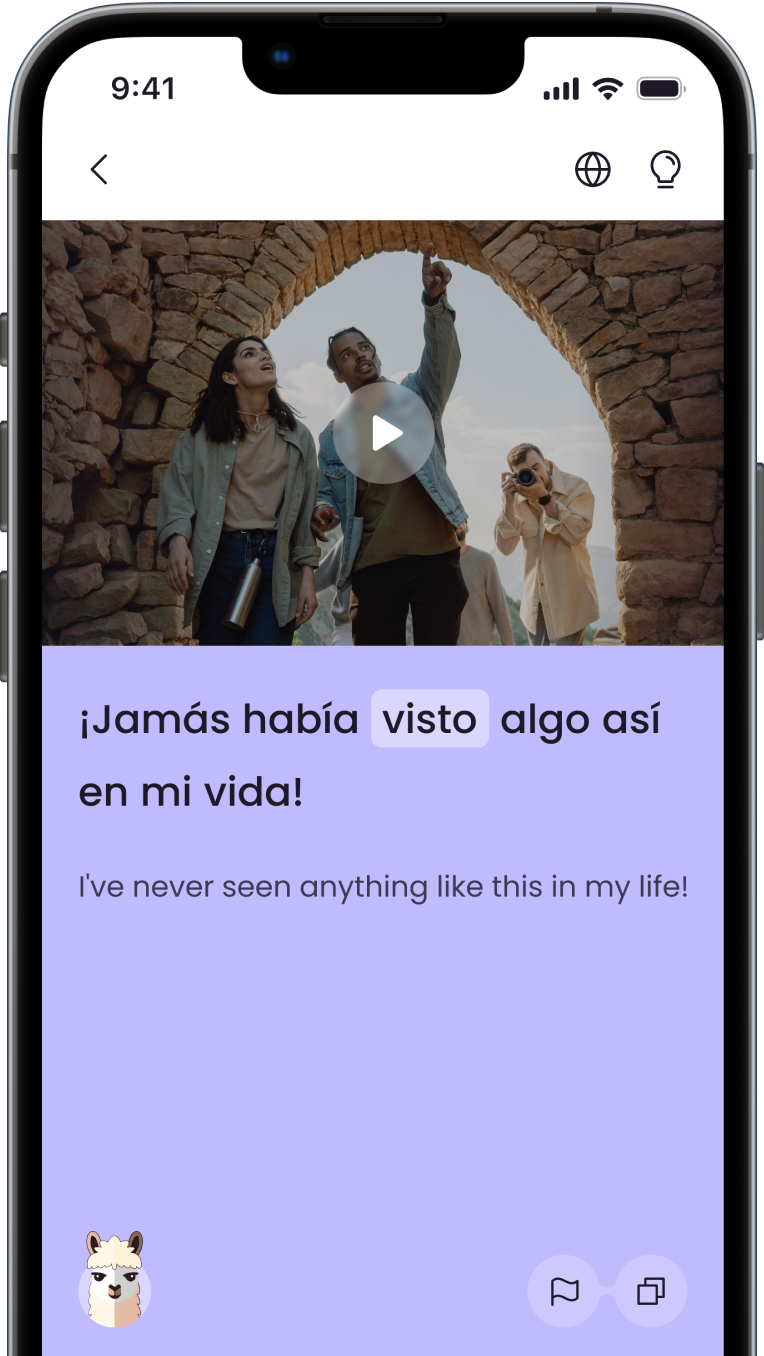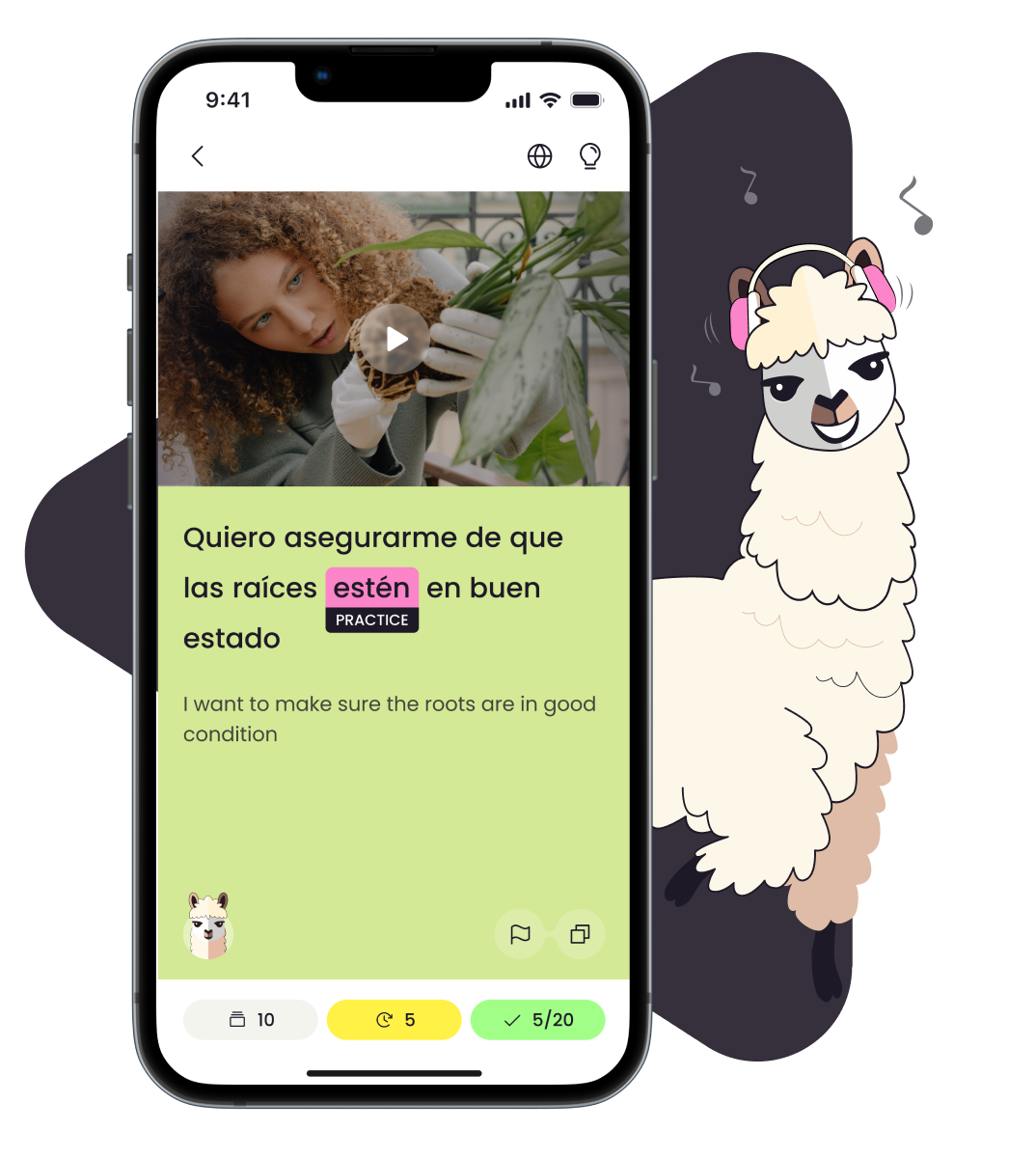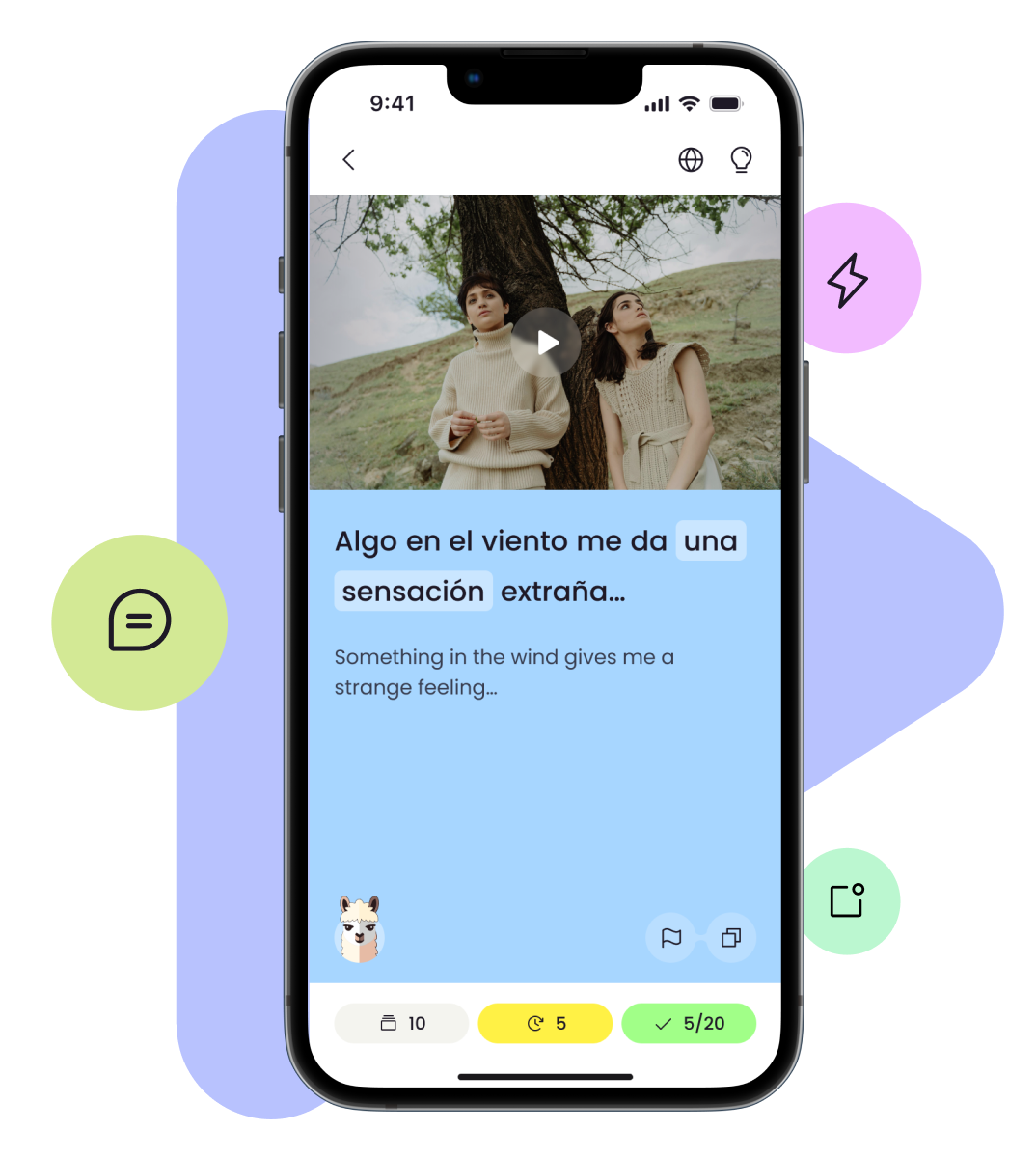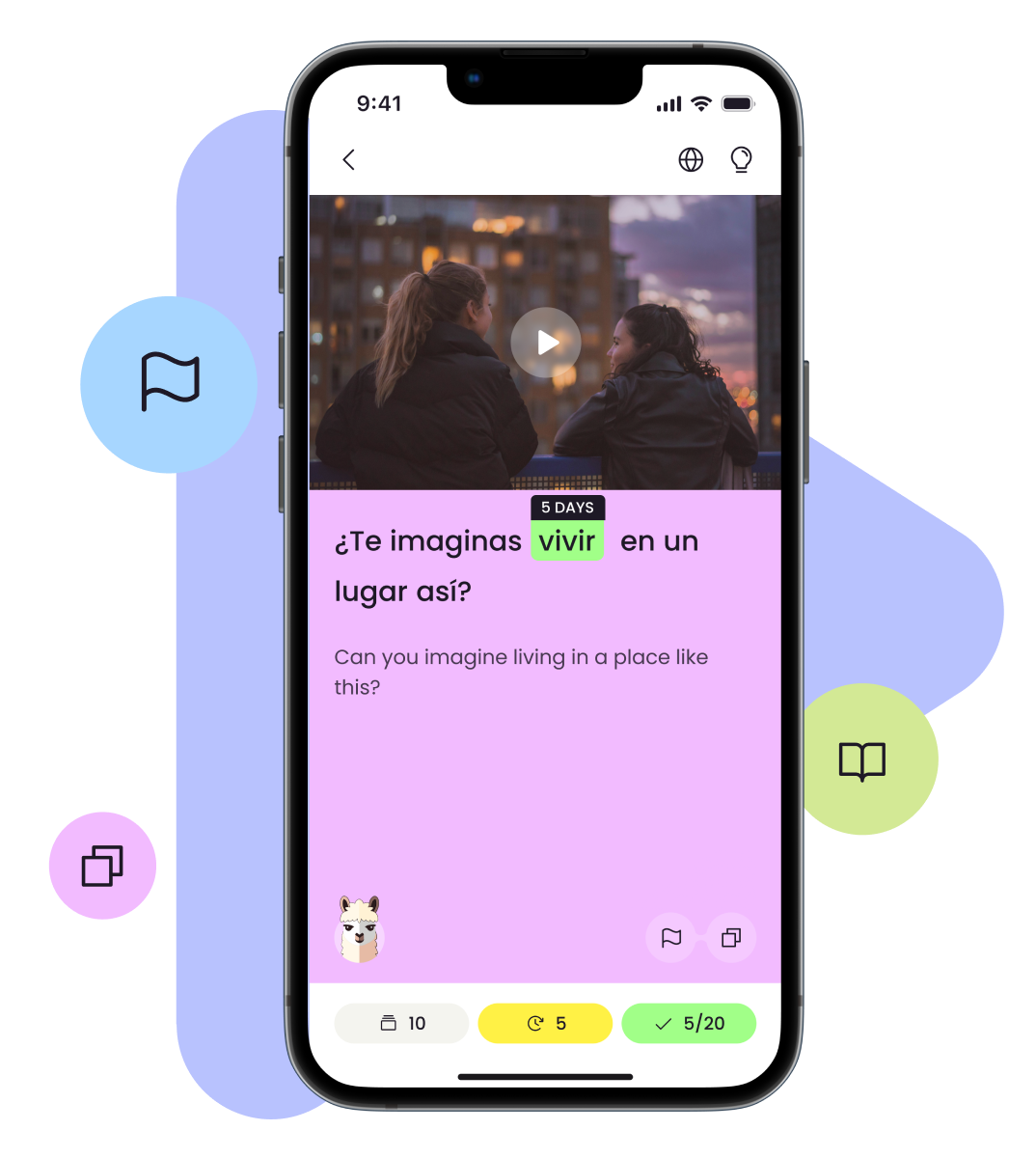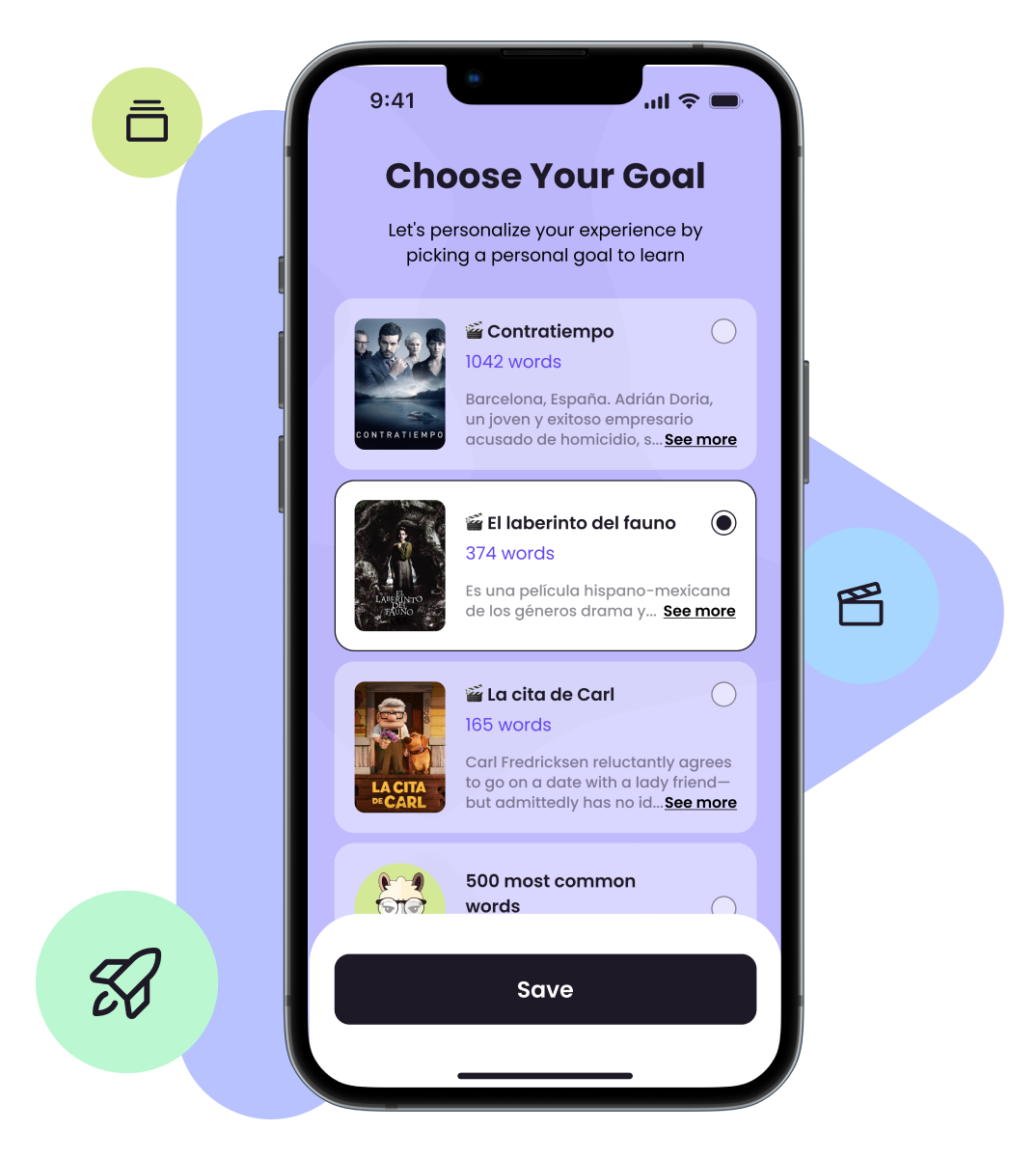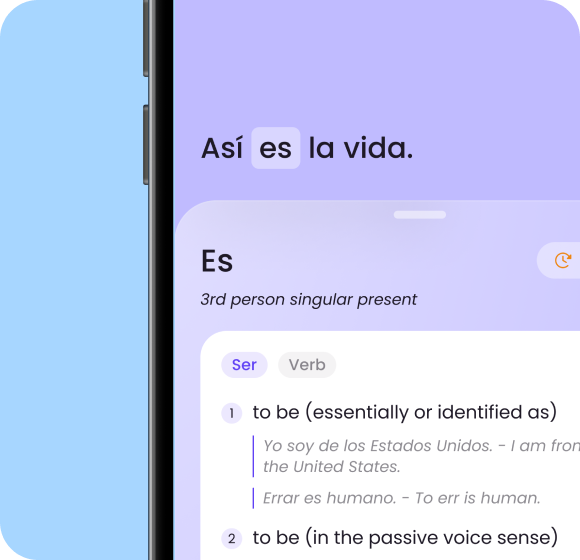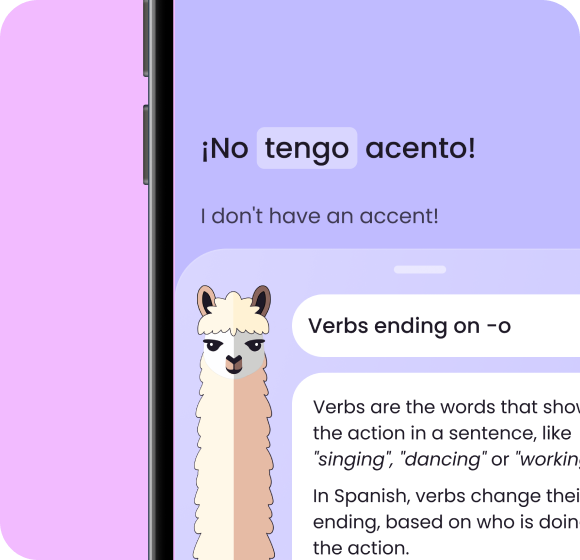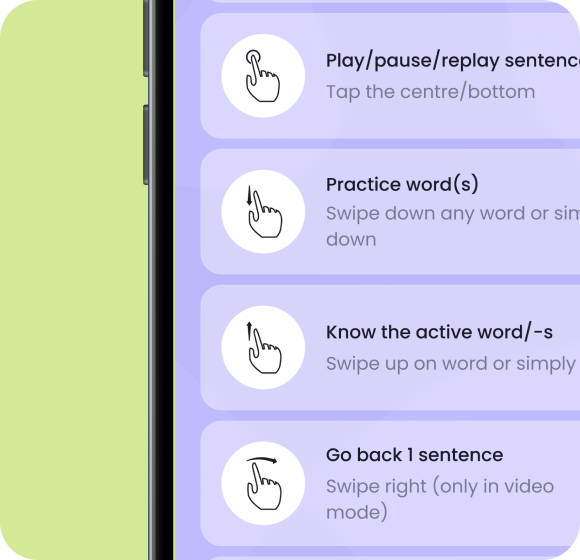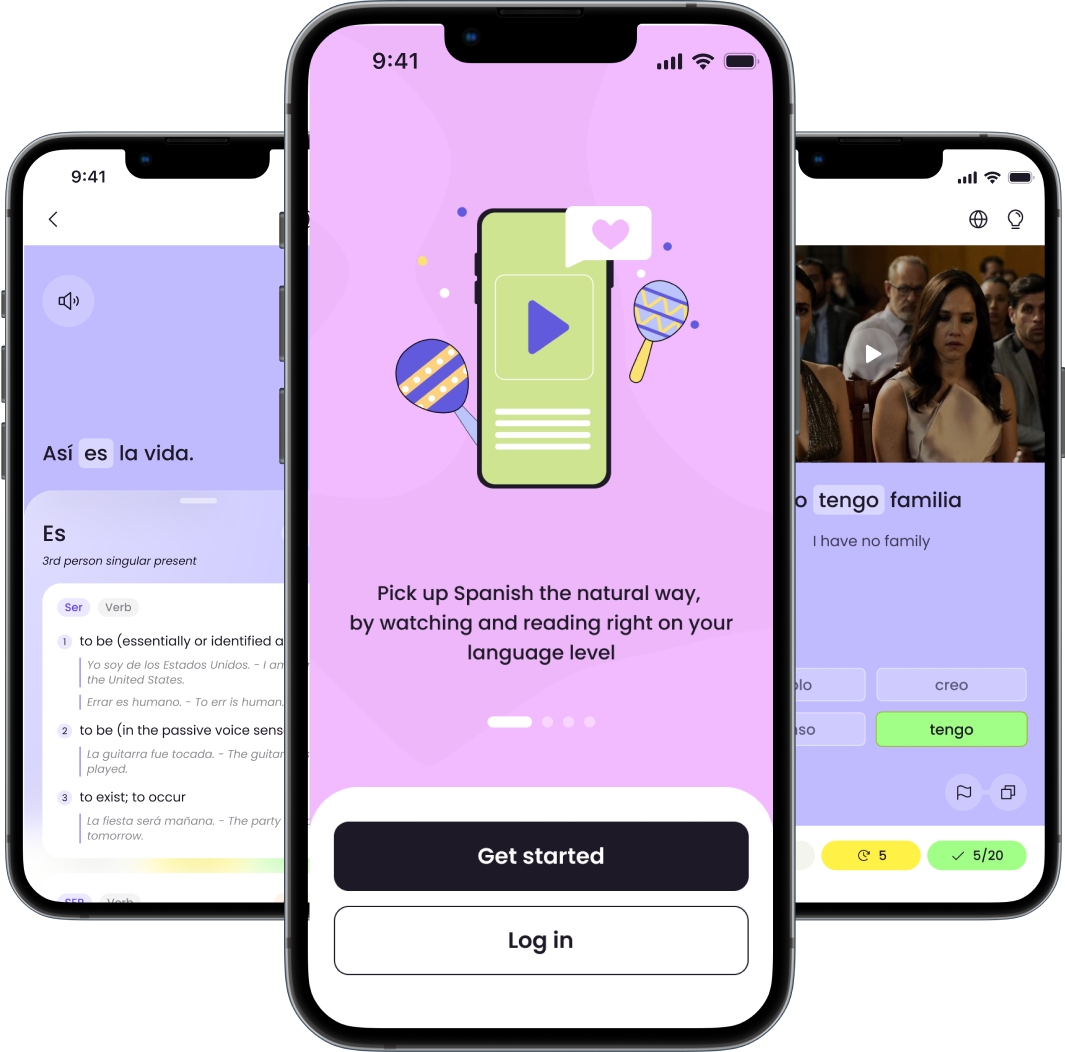


Lingo Llama is an app that helps people learn languages through videos. This way students can learn the language in a natural way while consuming real native content. This is based on the Comprehensible Input hypothesis of language learning.
We use 2 sources of videos: YouTube videos and video clips from
movies and TV shows:
YouTube Videos:
The YouTube videos are merely YouTube iframe embeds.
YouTube allows anyone to embed videos in any app, as long as the content owner allows for this. All videos
that we use are legible for embedding. We do not infringe on copyright simply by embedding YouTube
videos.All videos used are without age restrictions, and are shown as is.
There are no additional
ads shown over or around the video, except those present in the YouTube video themselves. The videos are
fully interactable and no content is placed over them, obstructing the viewing experience.
If you
are a content creator and don’t want your video to be shown in our app, you can easily do so by following
the instructions in the next section.
Video clips:
The video clips used are extremely
short clips from Spanish movies and TV Shows and are used solely for educational purpose. They are
carefully selected to ensure that only a minimal portion of any work is used. Each video clip has a
reference to the work the video clip is from, to promote legitimate access to the full work.
By allowing apps like Lingo Llama to show your videos and video
clips, you will get views (and ad revenue if relevant) and generate interest in your content. By allowing
your videos in our app, you are also helping language learners to enjoy their target language with your
great content.
Having said that, if you still wish to remove your video, you can do so in the
following ways:
Restrict embedding in apps. For YouTube videos, you can control
which apps are allowed to embed your videos and which are not. For instructions, see Restrict embedding on
websites.
Turn off embedding for a specific video. For YouTube videos, you
can turn off embedding. By turning off embedding for a specific video, you will stop all apps from
displaying that video. Once you turn off embedding, the video will no longer play in any app and instead
display an error message. See How to turn off embedding for your videos
Contact us to have your
videos blacklisted. If the above two options don’t work for you, you can contact us to have some or all of your videos “blacklisted” and never again be show
in our app.